Deploying · ADR0008
Cloudflare Workers
IM2026.10.20
%20{%20.m,%20.y%20{%20mix-blend-mode:%20screen;%20}%20}%20%3c/style%3e%3crect%20class='c'%20x='3.5'%20y='4.5'%20width='14'%20height='31'%20rx='2.6'%20transform='rotate(-5%2010.5%2020)'/%3e%3crect%20class='m'%20x='22.5'%20y='4.5'%20width='14'%20height='31'%20rx='2.6'%20transform='rotate(5%2029.5%2020)'/%3e%3crect%20class='y'%20x='8'%20y='14'%20width='24'%20height='12.5'%20rx='2.4'/%3e%3c/svg%3e) Inkan
Inkan印鑑 · ADR & RFC sites
Decisions deserve a home as good as your API docs. Inkan turns a folder of Markdown architecture decision records and RFCs into a fast, searchable site: a folder per team, a printed cover per record, one place to find out why things are the way they are.
Quick startWhat is InkanGitHub
npm create @tilaven/inkan@latest my-decisions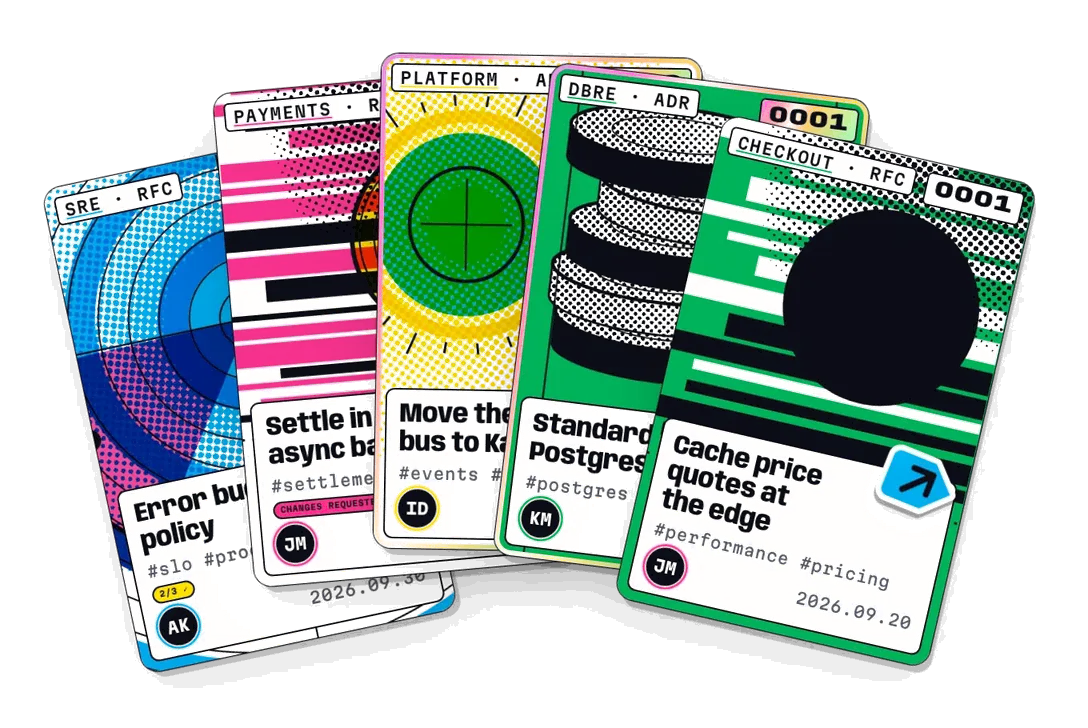
Records live in your repo, reviewed in pull requests like code. No database, no CMS. GitHub and GitLab Markdown, Mermaid, math and callouts.
SRE, Payments, Infra, DBRE: a folder each, with its own cover art, owners and record numbers, all in one search.
Full-text search, filters by team, status, author, tag and your own fields, a timeline, a decision graph and print export.
Open decisions with deadlines, periodic reviews, RFC reviews, comments, notifications and inkan check in CI.
llms.txt, decisions.json, a Markdown copy of every page and an MCP server, so coding agents know why the code looks the way it does.
Plugins, component overrides, custom pages and CSS tokens. Static output that deploys to any host, with sign-in for internal projects.
npm create @tilaven/inkan@latest my-decisionscd my-decisions && npm install && npm run devOpen http://localhost:4321 and you are looking at your own decision archive, with a sample project to edit. Already have a repository with ADRs? Run npm install -D @tilaven/inkan and npx inkan init there, or bring them over with inkan import from log4brains, MADR or adr-tools.
Every feature of Inkan is described by an ADR in one of the projects below: why it exists, what was decided and how to use it. Ideas that are not built yet are RFCs and wait on the backlog. This site is built with Inkan from the docs/ folder of the repository, so what you are reading is also what your own records will look like.
Install, scaffold, run and build a site from the command line.
Projects, record types, front matter, statuses and Markdown.
Landing page, record index, timeline, backlog, decision graph, search and navigation.
The OVERPRINT design, Day and Stage themes, tokens, logos and covers.
Plugins, component overrides, custom pages and the data API.
llms.txt, decisions.json, Markdown copies and AGENTS.md.
Static output, GitHub and GitLab Pages, Docker, sub-paths and access control.
Add a folder with a _project.yml. It appears here, in the sidebar and in every filter on the next build.